
Record your butterfly observations with eBMS App!
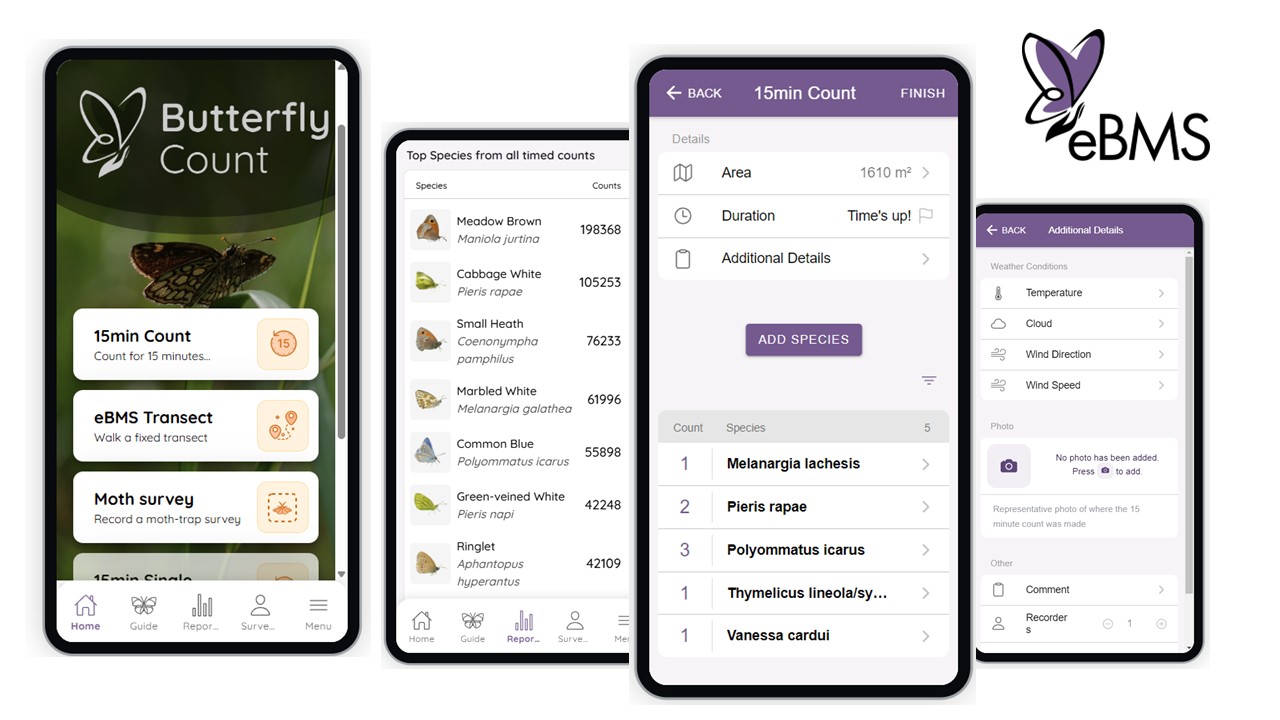
The ButterflyCount App enables you to contribute to butterfly and moth conservation by providing important information on where different species occur and their abundance in different places across Europe. Contribute with your counts of butterfly and moth species alongside accurate location information, added via a dynamic map or via GPS-acquired route information. You can add photos to support your observations, comments, and many other functions provided by the app.
This free resource makes it easy to keep track of what you see while making your data openly available for scientific research, education, and conservation.
Watch explicative videos on how to use this app on the BCE Youtube Channel, different methods, tips and more. Enjoy ButterflyCount app!
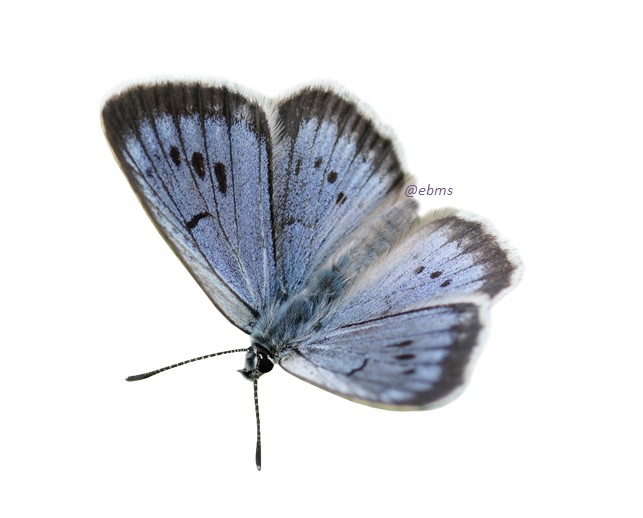
What options does the application give?
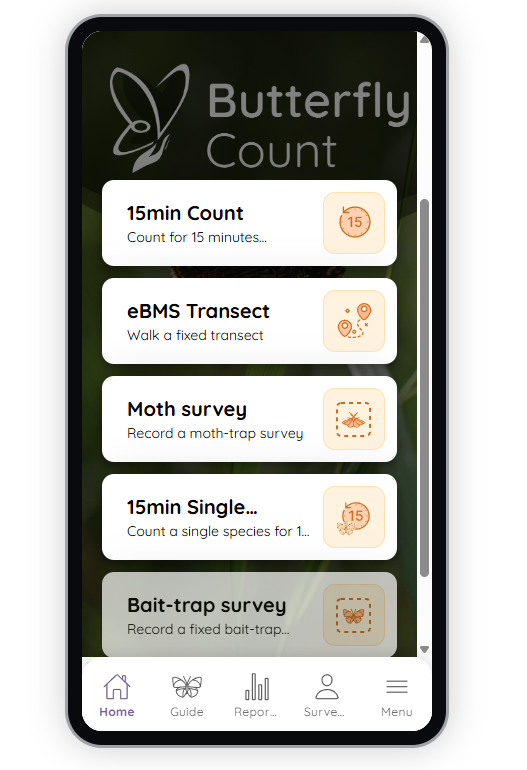
Different survey options for registering species and abundances:
- Make visits to your eBMS transects directly with the app. You just need to log in to the app with your eBMS account and has transects registered on eBMS.
- 15-minute Counts: a method for counting butterflies for 15 minutes wherever and whenever you want.
- 15-minute Single Species Count: the same methodology applied to register one species; useful for threatened or protected species.
- Moth survey: monitoring moths using light traps and registering the traps. There is also the possibility of using automatic identification by uploading pictures.
- Bait-trap survey: designed for tropical areas. Several traps are set with different types of carrion bait over a period of several days.
- Small Picture guide with photos of species per country and reports of your records.
- Possibility of registering butterflies, moths, bumblebees and dragonflies from Europe. Just download the taxa species list and select them on settings.
Every registered individual through the ButterflyCount app will be stored its coordinates, providing more detail information.
Guide to the ButterflyCount App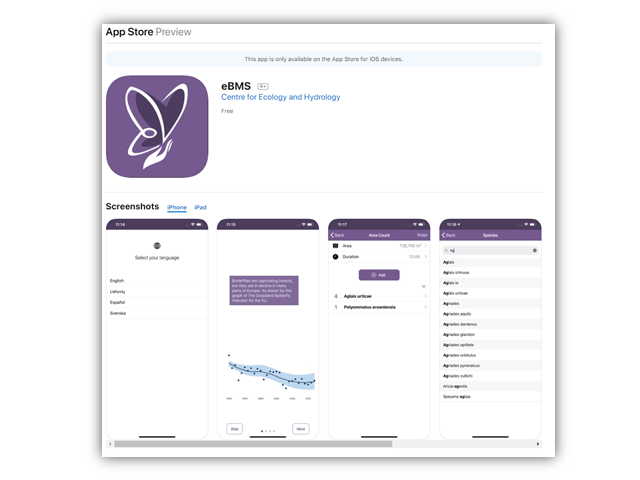
This is a quick guide for using the eBMS mobile application for doing 15-minute counts of butterflies and many other methods of monitoring. The app can be used at any time in any location. The app works offline, although upload of sightings requires a data connection (i.e. wifi of 3/4/5G coverage). Please follow these steps to get full use of the app.
Step 1. Install the app
- For Apple devices (iPhones, iPads) - https://apps.apple.com/ie/app/ebms/id1461711373
- For Android devices - https://play.google.com/store/apps/details?id=uk.ac.ceh.ebms&hl=en_GB
Or search for ‘ButterflyCount’ via the App store.
Step 2. Set your language and country
Choose your language and country. This will give you the app in your preferred language. If you want to do butterfly counts in other countries and see the characteristic species on the guide, you should change the country to see and search different butterfly species on the Picture Guide. You can change it whenever you want going to the Menu, then in Settings “App” and change the “Country”.
Selecting a country will download the butterfly species list of that country. If you are missing a species, we recommend to download the full butterfly list or other taxa.
If you are missing a language and you would like to contribute to its translation, please contact [email protected] for details on how to get involved. After you’ve then clicked through the welcome screens, you are ready to get started.
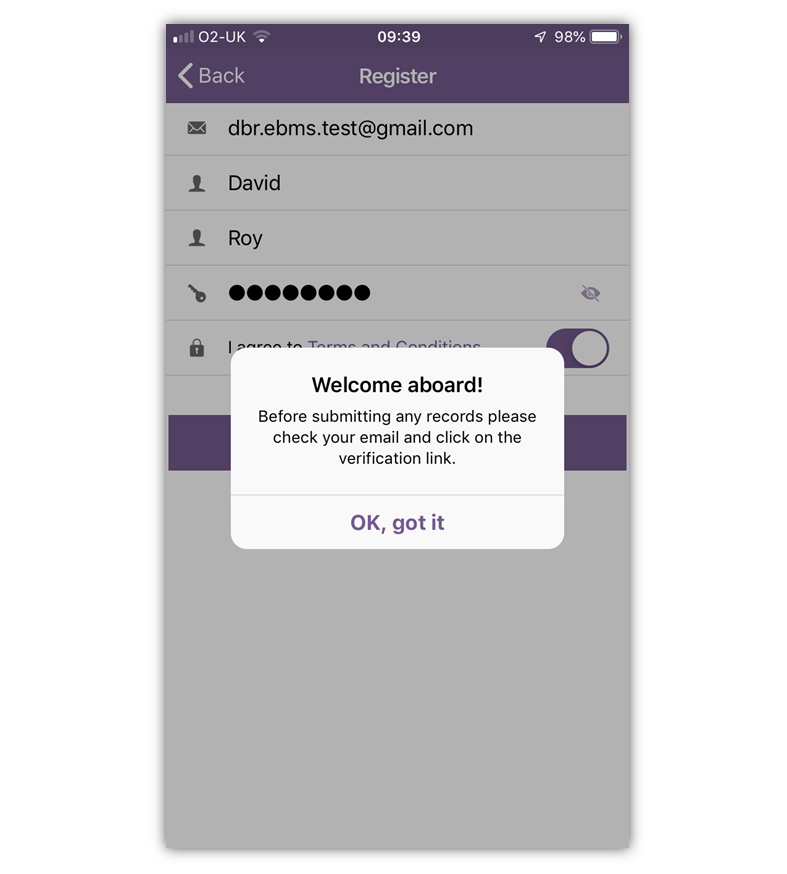
Step 3. Register a user account, or log in to the eBMS system
This step is important to keep track of your own records by submitting them to our database that keeps your data secure and available for you to access at any time.
If you already have an account (e.g. for transect recording), you can log in using the same details on the "Menu" section.
If you need to register, follow the instructions on the app on the "Menu" page.
- Fill out your email, name, and password
- Read and agree with the Terms and Conditions
You will need a data connection (3/4/5G or Wifi) for the registration step, but when successful you will see this screen.
**Important. You can use the app straight away but it is important to fully activate your account by clicking on the link that will be sent to the email used for registration. This step is needed to confirm a valid email and to prevent spam accounts from being set up. Please contact [email protected] if you have any technical difficulties. If you already have an account, you can log in with your username and password, as you entered them the first time, on both the platform (website) and the application.
Most common issues with ButterflyCount app
- App not responding: If the app is not responding or has crashed, please log out (ideally after uploading all pending surveys) and log in again. If this does not work, please uninstall and reinstall the app. These steps should refresh the whole system and allow you to use the app normally.
- Not able to upload a 15min count survey: check first if the area is filled (GPS can failed and not registered the area). If it was not registered you can always draw a route or polygone and upload the survey.
- Not able to register a species: if you are not able to find a species, please check if you have downloaded the correct species list for the taxa (butterfly, moth, bumblebee or dragonfly) and country where registering: Menu -> Species Lists. You can always refresh the lists or download the complete species list, for example for butterflies "EBMS Butterflies" with all butterflies or Europe and other continents.
- Lacking some information: you can always upload the survey and edit it later on the website. We recommend uploading the surveys soon to avoid losing or forgetting them on your phone.
We are constantly working to improve eBMS and the ButterflyCount app. Nevertheless, there is always room for improvement. If you experience any issues while using the ButterflyCount app, please contact us: [email protected]